No more Speed Ramp Issue for Davinci Resolve Users with this Plug in
Ease in, ease out, In-Out, Out-in...
For Davinci Resolve Studio
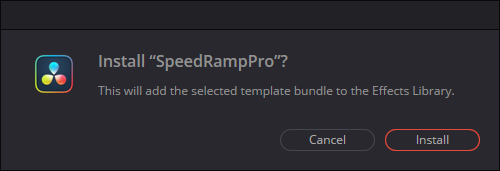
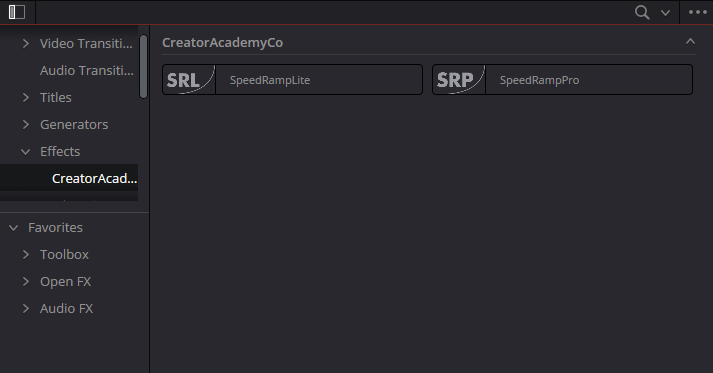
Double-click on the ".drfx" file. He is so smart, it will install by itself.
Text section
*Davinci Resolve Studio version required
Decide the right length for your clip
Make a compound clip (Right-click > new compound clip)
Drop the effect on the compound clip
Choose the easing curve you want or choose a preset
If you need to, use the proxy mode to make it easier on your computer
When you're happy with the result, add motion blur
You probably need to cache the effect (Right-click > Render cache fusion output > on)
Enjoy
You've got questions. We've got answers.
Yeah, it works with any footage, resolutions, camera motions,... anything!
Nope, my issue with template packs for speed ramping is you would need as many templates as there is speed ramping possible. And that's a lot! SpeedRampPro is not a template pack because it can be used on any footage.
It's super easy to use but if you have any difficulties with using it, contact me and I can explain directly how to use it 😊